Marketing
Email signature design that works on a phone
Your emails are read on phones as well as desktops. How to design a mobile friendly email signature that stays readable when the screen shrinks.


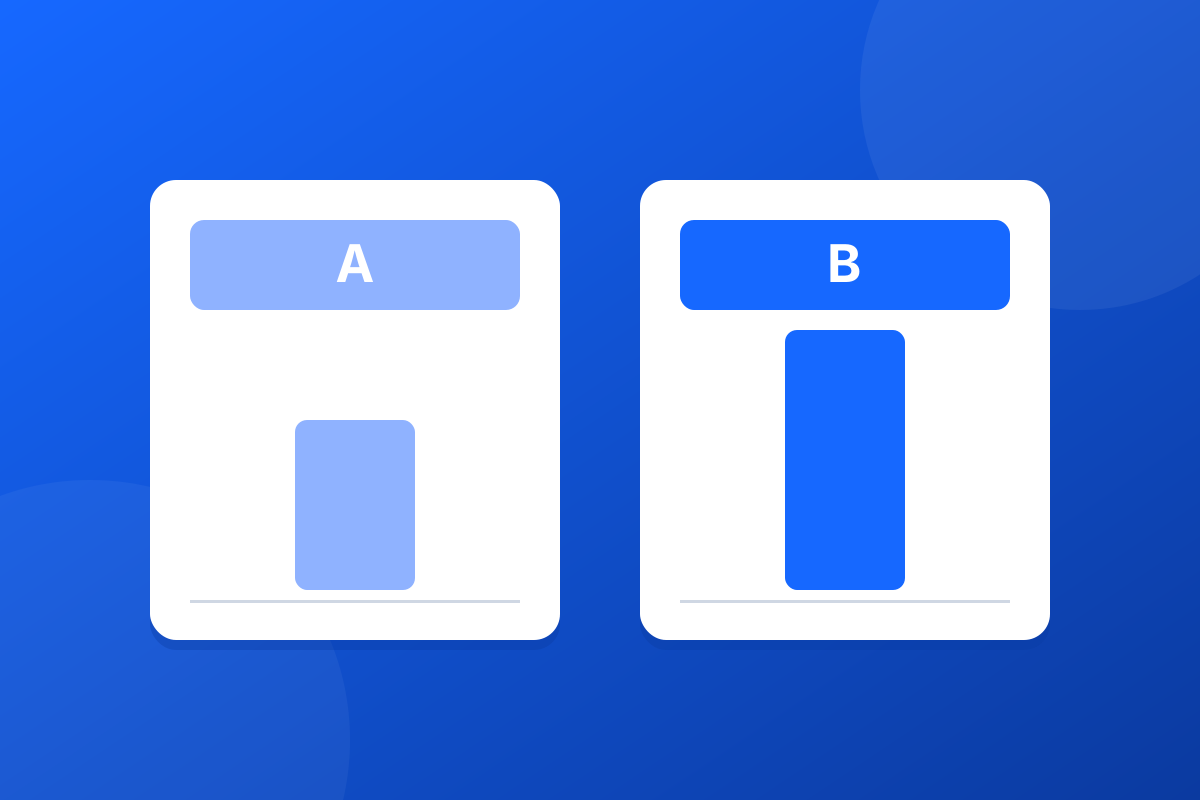
How do you A/B test an email signature banner? Send two versions of the banner at the same time, split so that each goes on about half of your emails, change only one thing between them, and wait until enough emails and clicks have built up to tell a real difference from luck. Signature banners suit testing well, because your organisation sends the same kind of email every day.
Change one thing at a time. If banner B has new wording, a new colour and a new picture, the result tells you which banner did better but not why. Good single changes:
The split matters more than people expect, because every email in a thread comes from a person, not a campaign. Footer365 offers four ways, and about half the emails carry each banner whichever you choose:
| Split | What happens | Suits |
|---|---|---|
| Per sender | Each person sends the same banner for the whole test | Most tests: a customer sees one consistent banner |
| Per email | Each email gets its own banner | The most even split, when consistency does not matter |
| Per recipient domain | Everyone at one receiving organisation sees the same banner | Account-based marketing |
| Random | A banner is picked each time a signature is built | Plain rotation |
The split is fixed once the test starts, because the results compare the groups of emails it made.
Everything else is shared by both banners: the name, the target rules, the schedule and the analytics tagging. The test runs while the campaign is active. The full guide to A/B testing two banners covers each screen.
This is where most banner tests go wrong: someone looks after two days, sees banner B ahead, and declares a winner on a handful of clicks.
Footer365's results page compares the banners on click-through, clicks per message, and says what the figures can tell you so far:
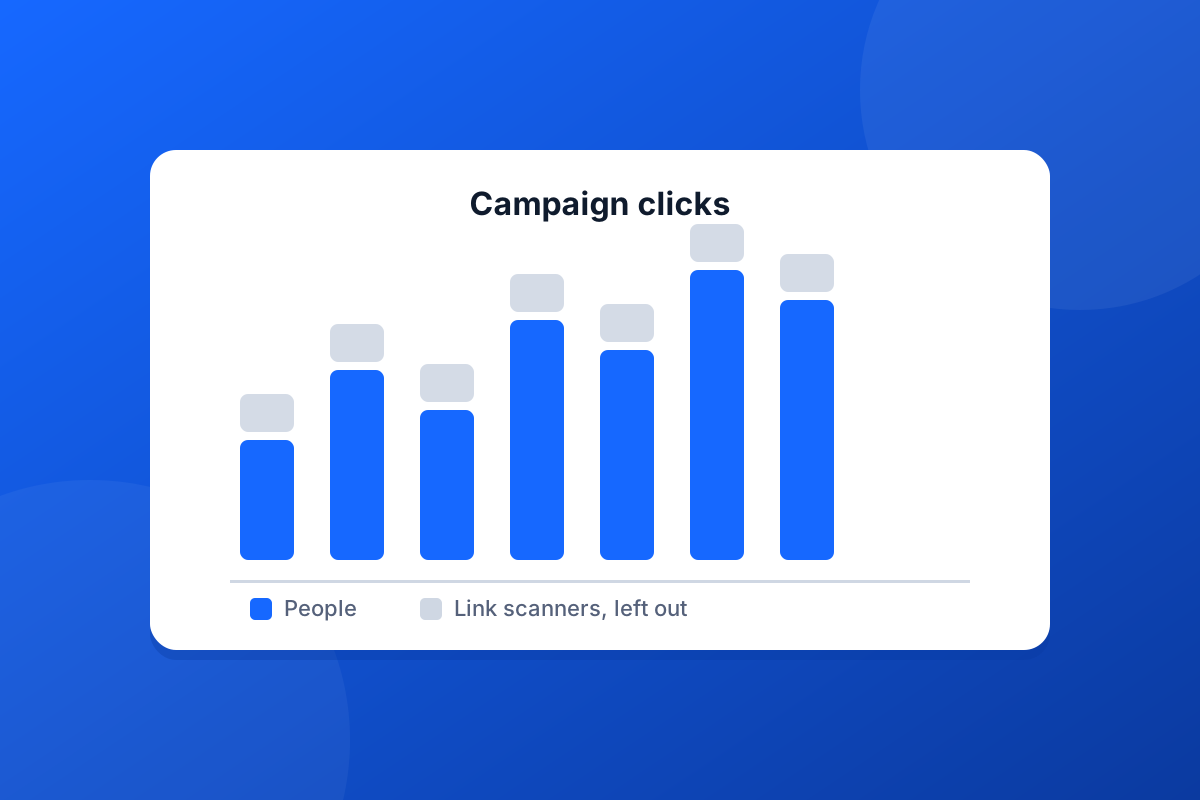
Clicks by link-scanning security systems at the recipient's end are left out, so a scanner opening every link does not decide the test. The page recommends; it never switches a banner off by itself.
When you are satisfied, choose Keep banner A or Keep banner B and confirm. The kept banner becomes the campaign's banner for every sender, and the other is marked as stopped. Links in the stopped banner keep working in emails already sent. The results stay on the page, so you can show anyone what was tested and what won.
One test answers one question. Write down what you learned, and use it as the starting point for the next banner. A seasonal campaign is a good place to start; our post on running a seasonal signature banner covers the scheduling side, and the features page shows what else campaigns can do.
Start a 30-day trial - no card required.
Your emails are read on phones as well as desktops. How to design a mobile friendly email signature that stays readable when the screen shrinks.
An accessible email signature can be read by everyone, including people using screen readers. Alt text, contrast, text size and links, made simple.