Marketing
How to A/B test an email signature banner
A/B test an email signature banner properly: one change at a time, the right way to split senders, and when the results are strong enough to act on.


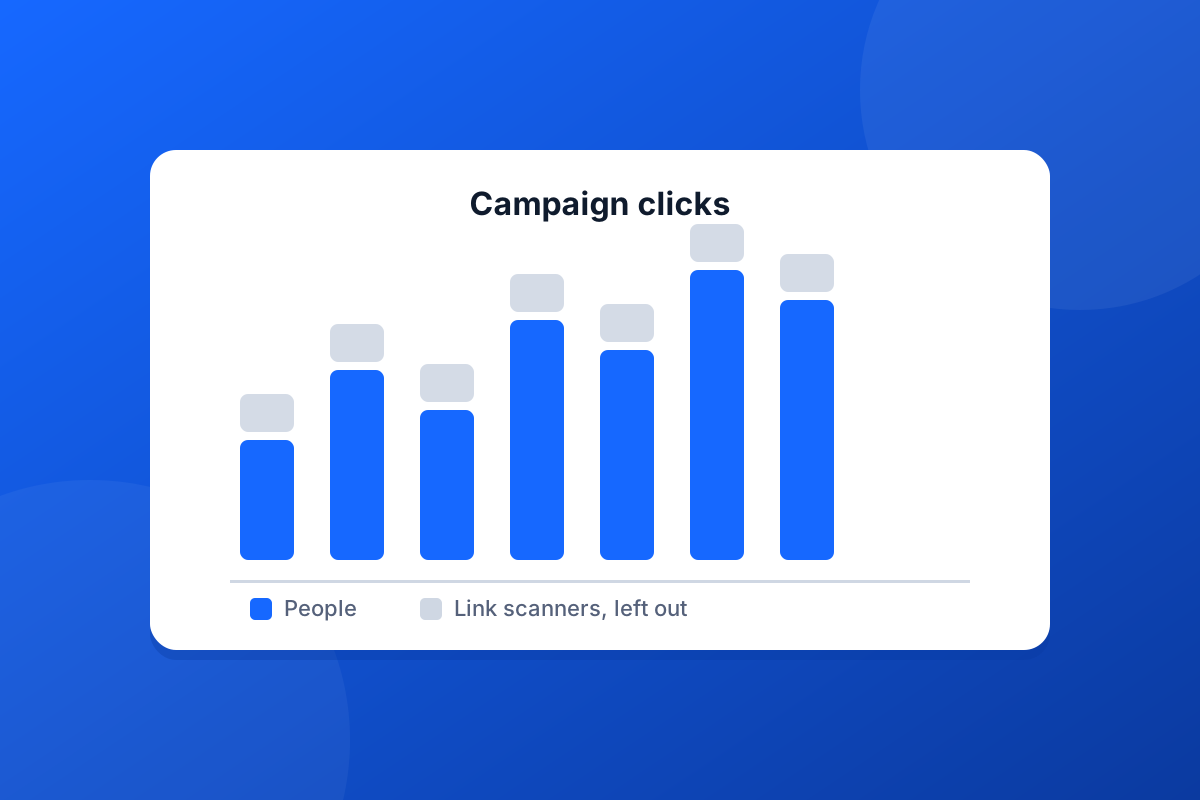
A signature banner campaign is only worth running if you can tell whether it worked. The trouble is that a good share of the clicks on any email link are not people at all.
Many organisations protect their inboxes with link scanning. Before the recipient sees the email, a security service opens each link to check it is safe. To a simple click counter that looks exactly like a person clicking, often within seconds of the email arriving. The result is a click-through rate that looks wonderful and means very little.
Footer365 recognises these automated clicks and keeps them apart. The campaign report shows them separately under Link protection, and leaves them out of the click figures, so the numbers you read are people. The report also shows unique clicks rather than every repeat visit, the typical time it takes someone to click, and which email clients and devices your readers use.
If you use a web analytics tool, switch on Website analytics tagging (UTM) for the campaign. Footer365 adds the tags to each link, so visits from your signature banner show up in your own reports as their own source. The tags describe the campaign, not the person who clicked, and the portal reminds you to keep personal details out of them, as the common analytics tools require.
Every campaign link is checked against Google's list of unsafe sites when you save it, and again every day while the campaign runs. If a destination is ever flagged, the campaign is stopped straight away, so your staff's emails never send people somewhere harmful under your name.
Read more in Reading a campaign report and Click counts look wrong.
Start a 30-day trial - no card required.
A/B test an email signature banner properly: one change at a time, the right way to split senders, and when the results are strong enough to act on.

Your emails are read on phones as well as desktops. How to design a mobile friendly email signature that stays readable when the screen shrinks.