Guides
Email signatures after a merger or tenant migration
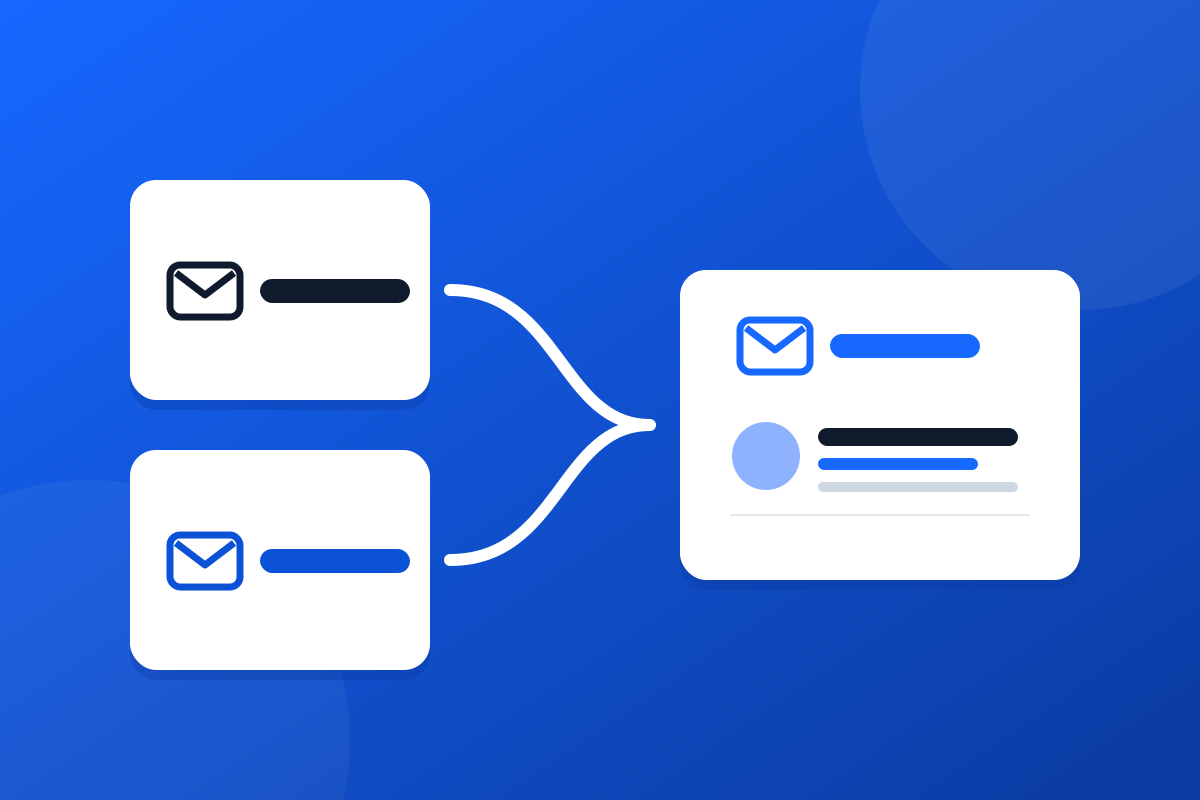
Two companies, two brands and often two Microsoft 365 tenants. How to handle email signatures after a merger, from day one to the tenant move.


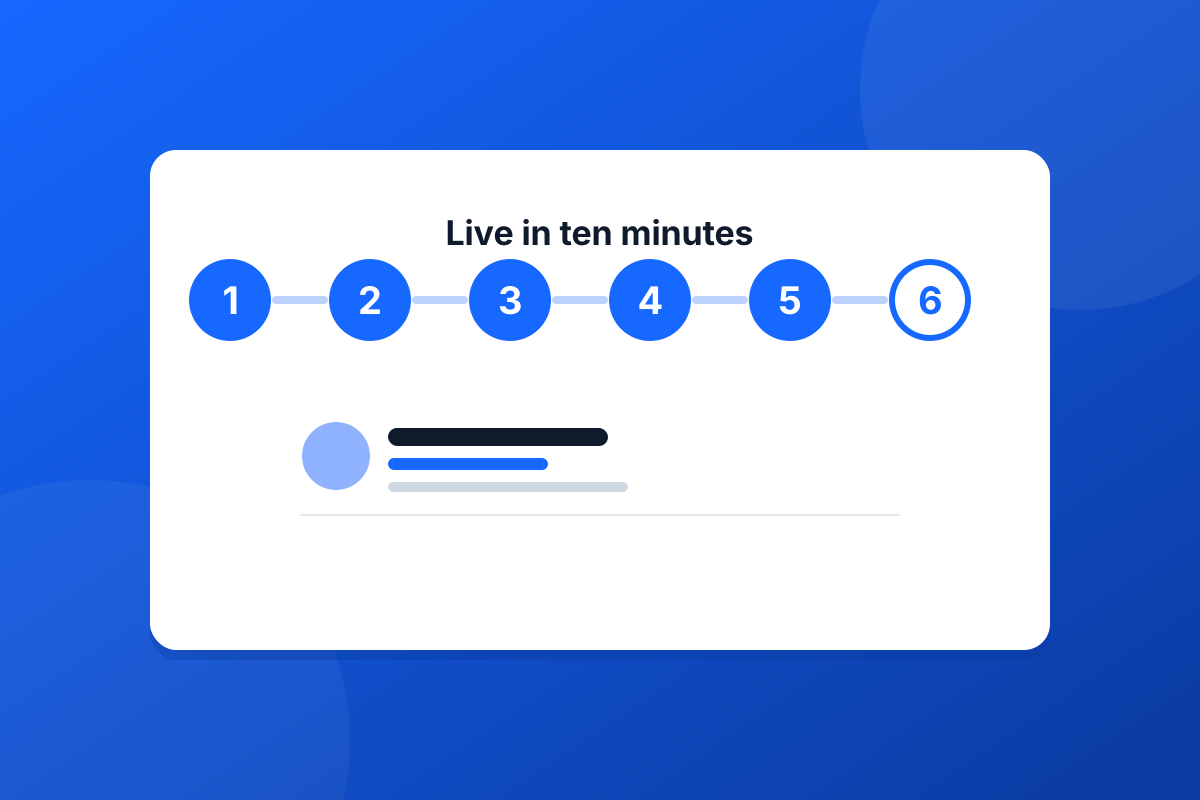
Email signature tools have a reputation for long rollouts: scripts to run, add-ins to push to every machine, and a week of chasing the people whose signature still looks wrong. Footer365 is built so that the whole thing takes about as long as making a cup of tea.
You start a free trial by signing in with your normal Microsoft work account. There is no card to enter and no number of users to guess: Footer365 counts your mailboxes from your directory. The setup link then goes to your technical contact, who needs to be a Microsoft 365 Global Administrator.
They approve Footer365 on Microsoft's own consent screen, then grant it the Exchange Administrator role with one more click. That is the last thing anybody types. Footer365 creates its two connectors and two transport rules in Exchange Online on its own, and you watch each one tick off in the setup wizard, usually within a minute or two.
In the portal you choose a template from the library, add your logo and brand colours, and save. You never type anybody's name. Each person's details come from Microsoft 365 as their email is sent, and a line with nothing in it, such as a missing mobile number, simply disappears rather than leaving a stray label behind.
Then one rule, "All users", assigns it to everyone. From the next email onwards, every message your organisation sends carries the signature, from Outlook on the desktop, on the web, on a phone or any other app, because it is added as the message leaves Microsoft 365 rather than by the app that wrote it.
The fastest rollout is the one where nobody has to do anything on their own computer.
If you would rather not change everyone's signature at once, point the rule at a small group instead of All users. Test a rule shows you exactly which signature a person will get before they send anything. When you are happy, change the group to All users and you are done.
The whole path, with every button named, is in our ten-minute quick start.
Start a 30-day trial - no card required.
Two companies, two brands and often two Microsoft 365 tenants. How to handle email signatures after a merger, from day one to the tenant move.
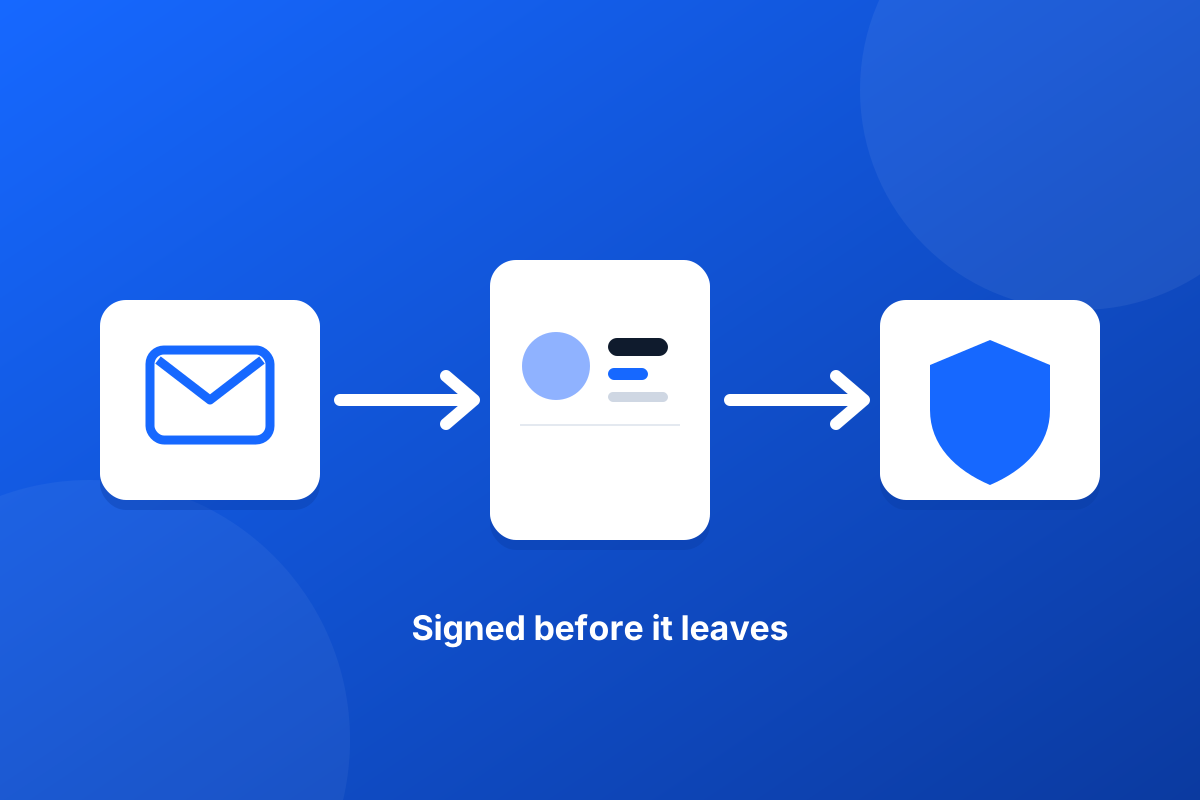
Running Mimecast, Proofpoint or another email gateway? How a server-side email signature fits in the mail flow, what to check, and what never to change.