
Guides
Email signatures after a merger or tenant migration
Two companies, two brands and often two Microsoft 365 tenants. How to handle email signatures after a merger, from day one to the tenant move.


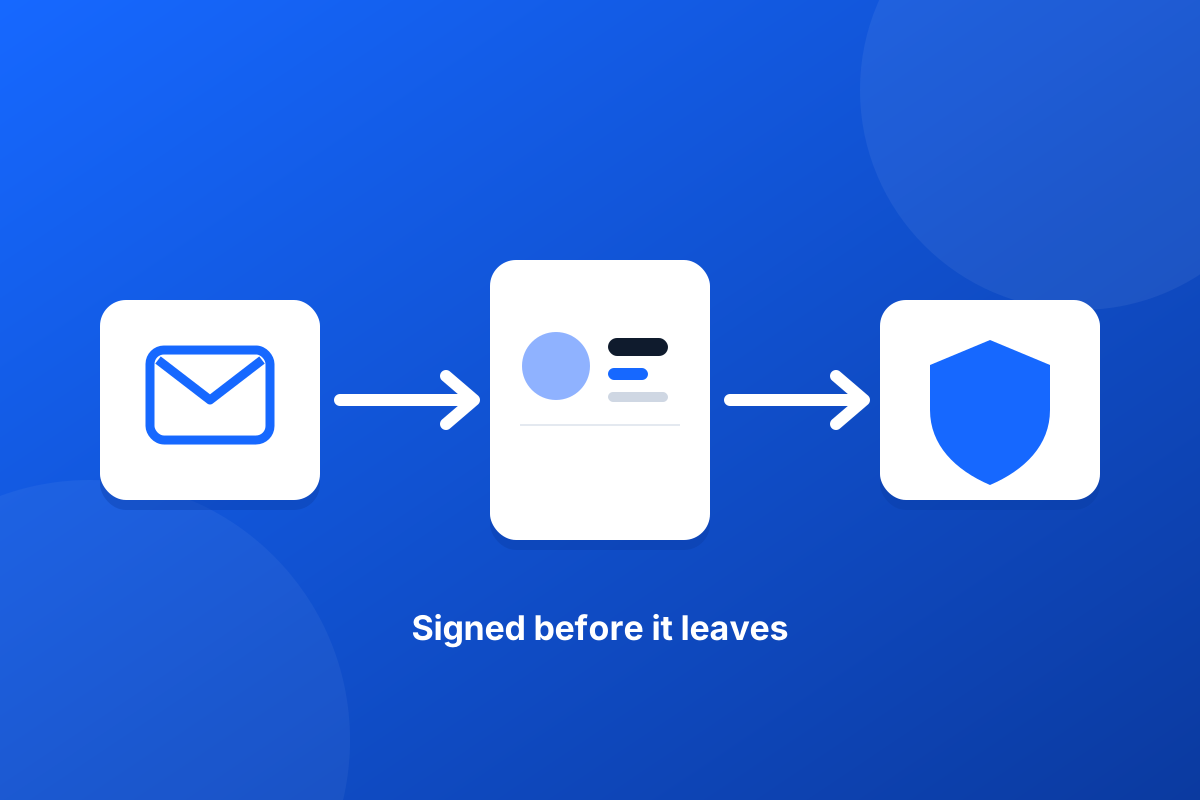
Can you add an email signature with Mimecast, Proofpoint or another gateway in place? Yes, and in most setups nothing about the gateway needs to change. A signature service that works inside Exchange Online adds the signature before the message leaves for your gateway, so the gateway scans, archives and signs the finished message. The things to check are the order of your mail flow rules and how your routing to the gateway is triggered.
Footer365 adds signatures within Exchange Online's own mail flow, before your outbound route. The order is:
So by the time the gateway sees the message, the signature is already on it. That is usually what you want: the gateway's scanning, archiving, disclaimers and DKIM signing all see the final message. Our technical article on how mail flows through Footer365 shows the path in detail.
If your outbound connector to the gateway applies to all recipient domains, the signed message simply follows it on the return pass, and there is nothing to do. If your routing to the gateway is itself a transport rule, it will not match on the first pass, because the Footer365 rule stops processing, but it should match on the return pass. Check that it has no condition the returning message would fail.
Many gateways can add their own disclaimers or signatures. If yours does, recipients will see both. Decide which system owns each piece of text before going live, and turn off the other.
A copy taken inside Exchange before the return pass holds the unsigned message; a copy taken by the gateway afterwards holds the signed one. Check which your archive keeps, so nobody is surprised when a compliance search shows no signature.
Your SPF record must authorise every system that sends for your domain. Adding Footer365's include does not replace the gateway's own entry; both need to be there. When the relay writes a signature into a message, it removes any DKIM signature the message arrived with, because a changed body would make it fail, so DKIM signing by the gateway or by Exchange after the signature is added is what recipients check. Our guide to SPF, DKIM and DMARC with Footer365 covers the detail.
Footer365 does not publish tested configurations for specific gateway products, and asks you to contact support before changing any connector or rule, yours or ours. Most setups need no change at all. Our article on using Footer365 alongside another email gateway has the full checklist.
Send a message from a covered mailbox to an outside address and open the headers of what arrives. You should see the signature, an X-Footer365-Relay-Id header showing the relay handled it, signs that your gateway handled it if it should have, and SPF, DKIM and DMARC results in Authentication-Results that you expect. If any of those is missing, send the headers to support before changing anything.
Start a 30-day trial - no card required.
Two companies, two brands and often two Microsoft 365 tenants. How to handle email signatures after a merger, from day one to the tenant move.

Charity email footer requirements in England and Wales: when the Charities Act requires the registered status, and the company details charitable companies add.